



Wireless security cameras
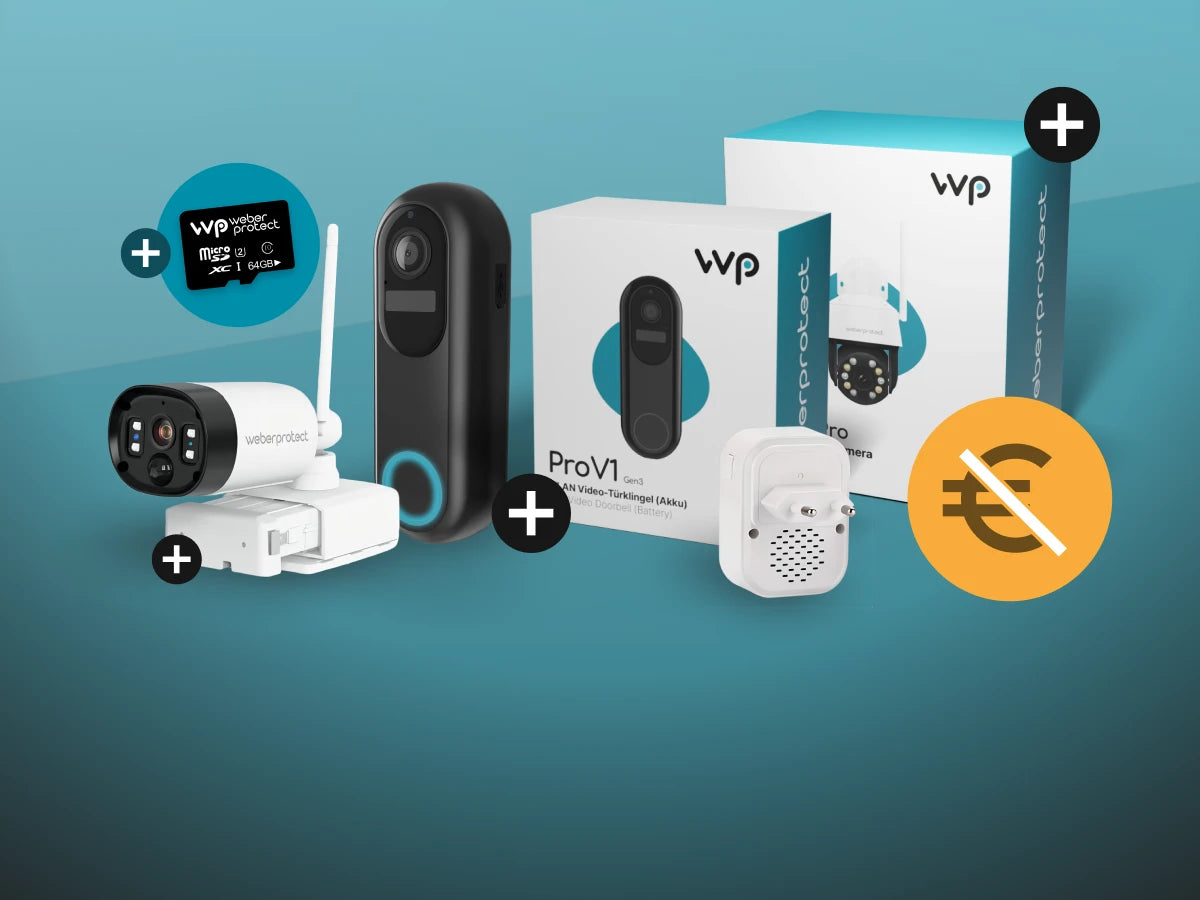
Ohne Abo, ohne Cloud
Viele Kameras kosten nach dem Kauf monatlich weiter und speichern Ihre Videos auf fremden Servern. Bei Weber Protect ist das anders: Ihre Aufnahmen bleiben verschlüsselt bei Ihnen zu Hause, laufende Gebühren gibt es nicht. Entwickelt wird unsere Technik in Berlin, und auch unser Support sitzt dort, persönlich erreichbar vor und nach dem Kauf.

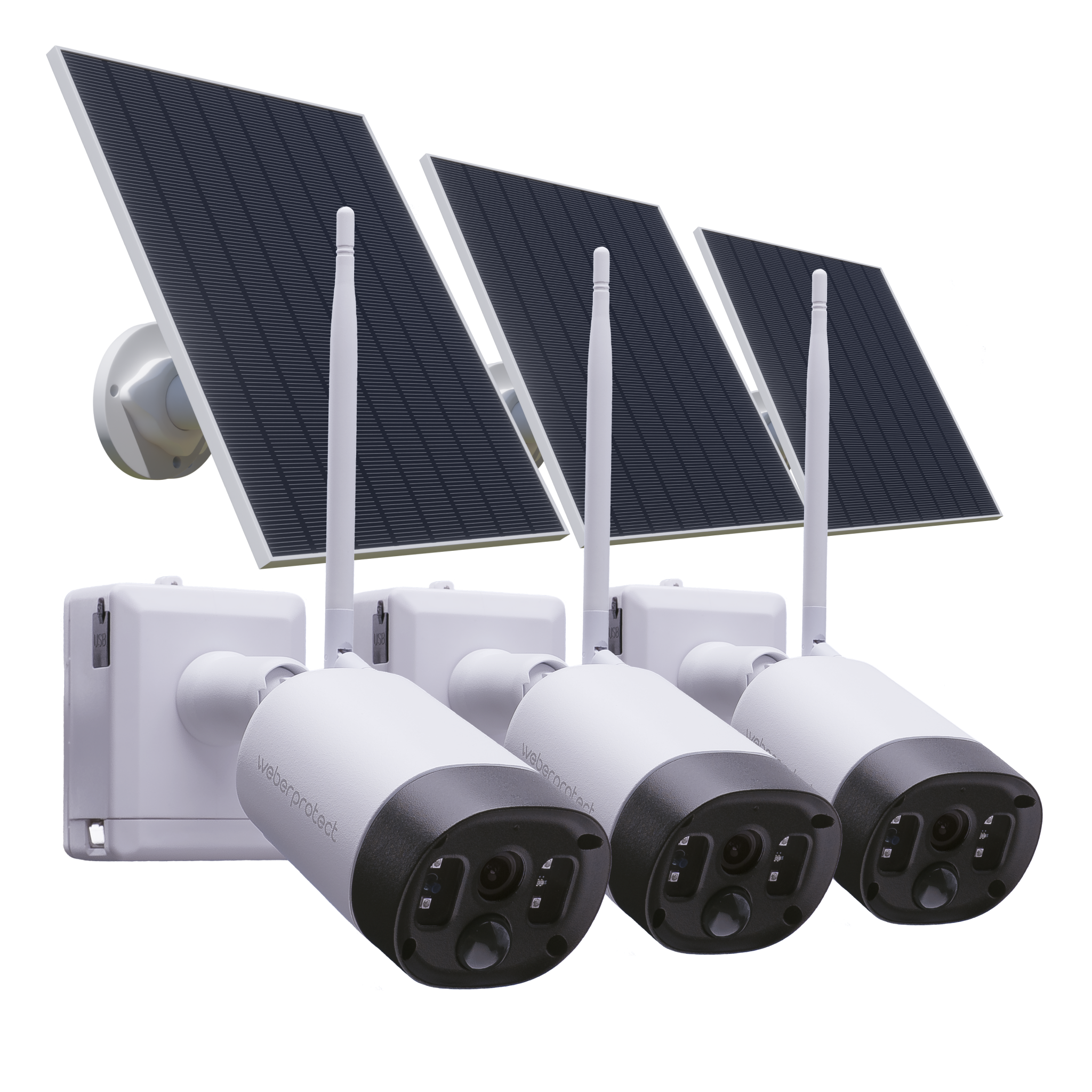
Mit Akku & WLAN, Kabellos
219,00 €
(Akku) Ideal für Orte ohne Stromanschluss: Dank Akkubetrieb und weitem Sichtfeld überall flexibel und kabellos einsatzbereit.
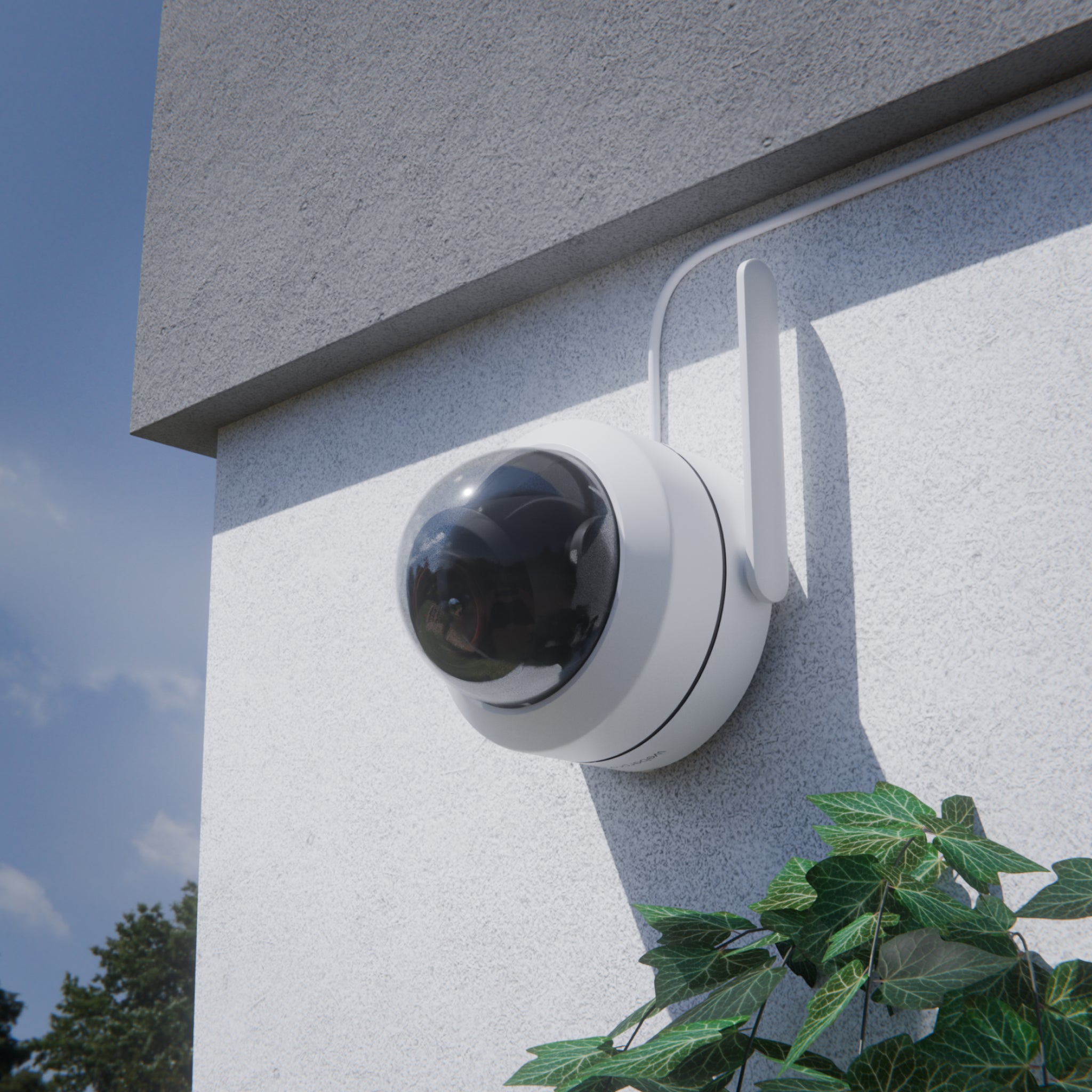
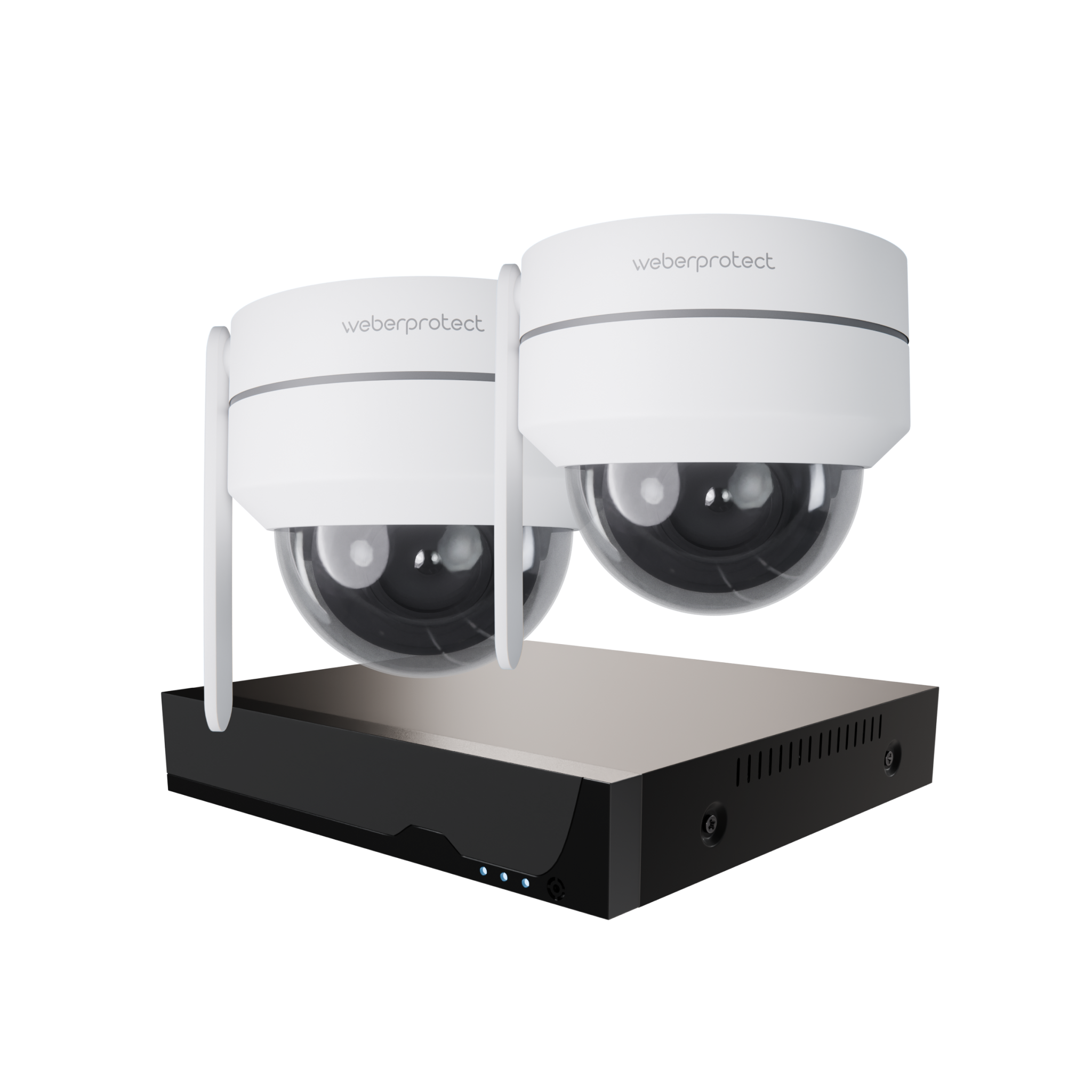
Dome-Kamera, Vandalismussicher
249,00 €
(Kabel) Kompakt und diskret für den Nahbereich bis 30 Meter. Schwenkbar mit weitem Blickwinkel. Perfekt für eine unauffällige Absicherung bei festem Stromanschluss.
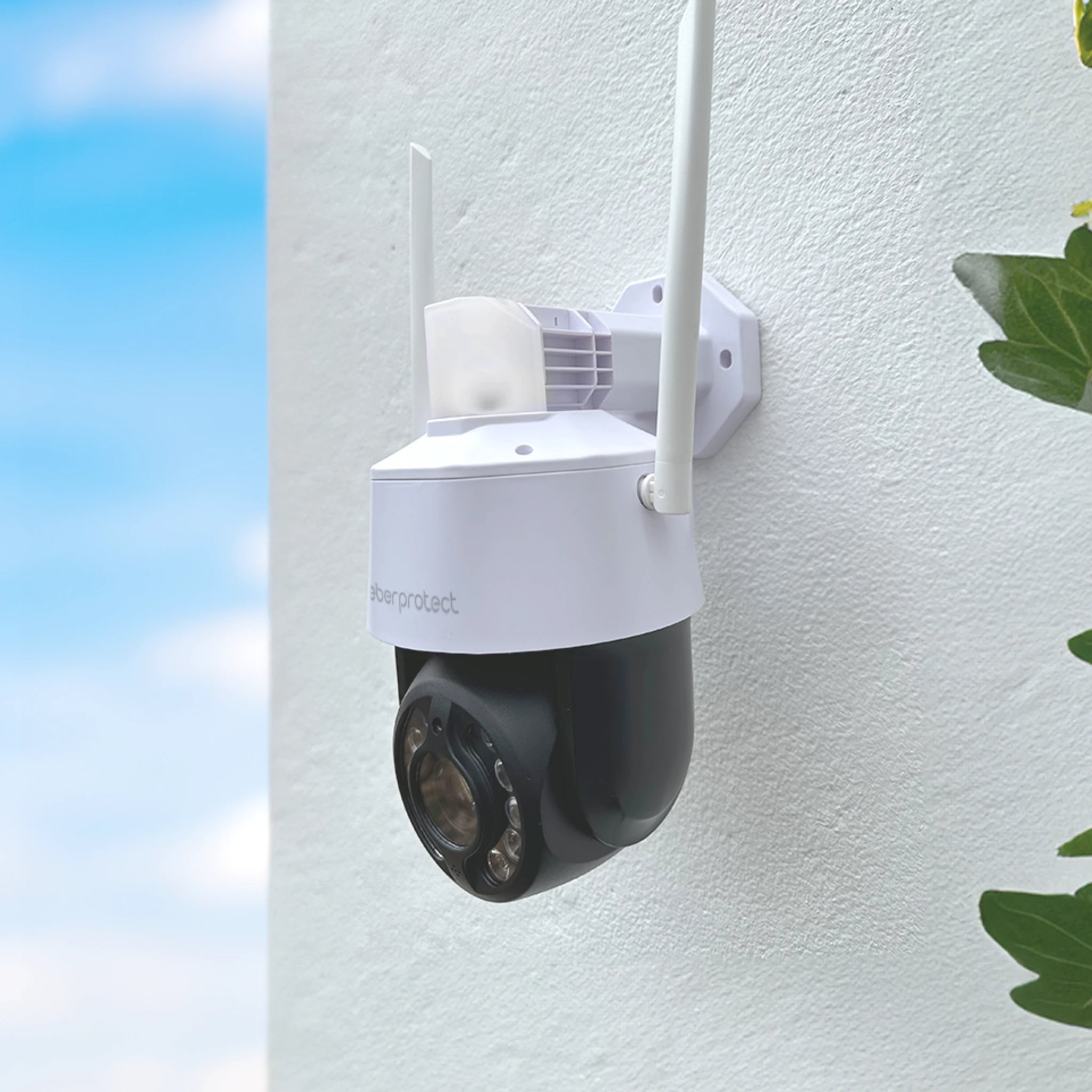
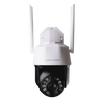
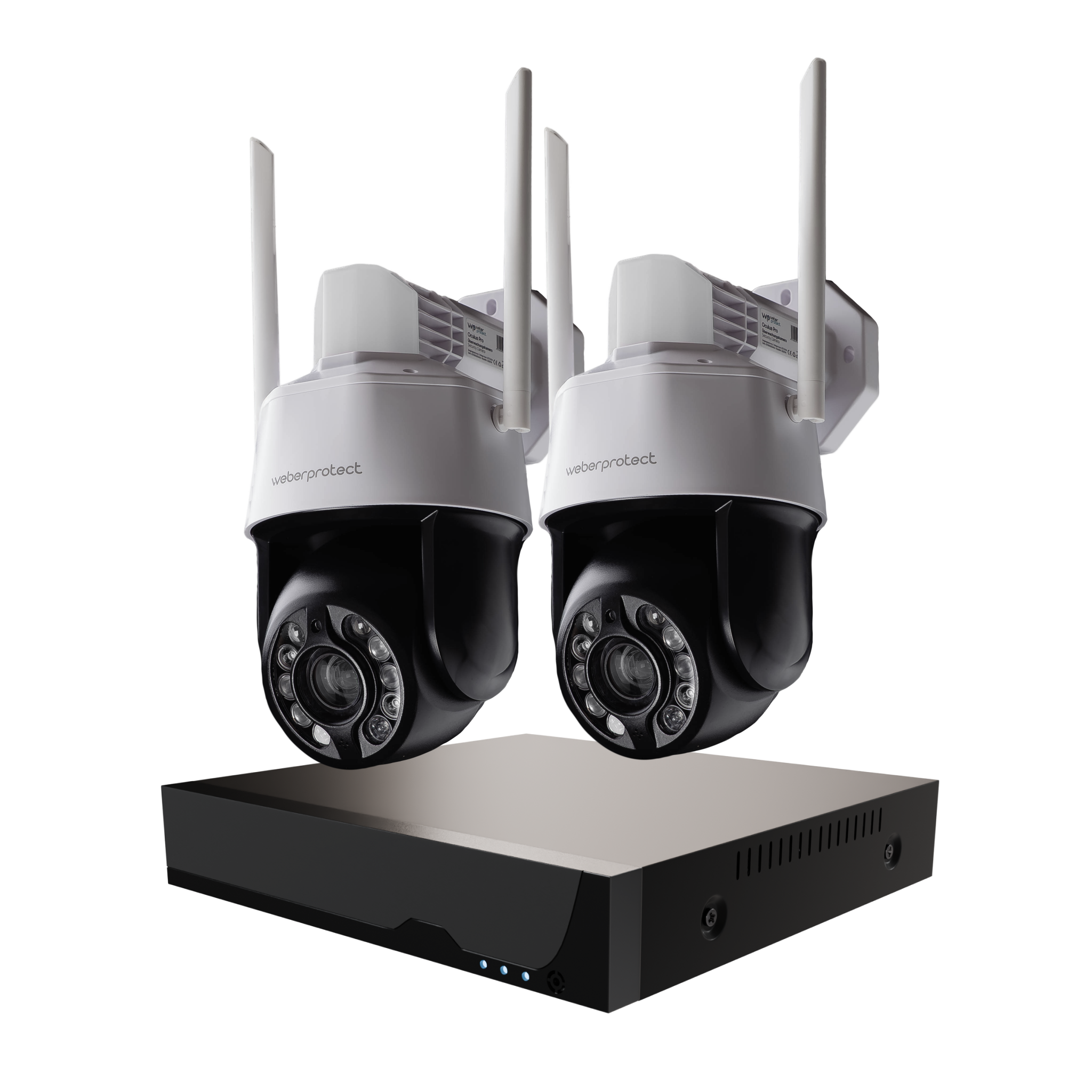
Schwenkbar mit 20x Zoom
249,00 €
(Kabel) Kompakt und diskret für den Nahbereich bis 30 Meter. Schwenkbar mit weitem Blickwinkel. Perfekt für eine unauffällige Absicherung bei festem Stromanschluss.


Entwicklung & Service im Herzen von Berlin
Hinter Weber Protect stehen wir, die Brüder Weber. In unserem Familienbetrieb in Berlin-Adlershof entwickeln wir unsere Technik komplett selbst. Der Grund ist einfach: Wir wollen bei Sicherheit, Qualität und Datenschutz keine Kompromisse eingehen und genau wissen, wer hinter der Kamera steht. Deshalb verkaufen wir nur, was unsere eigenen Familien schützt.
Ihr 24/7 Überwachungssystem – Maximale Flexibilität, null Abo-Kosten
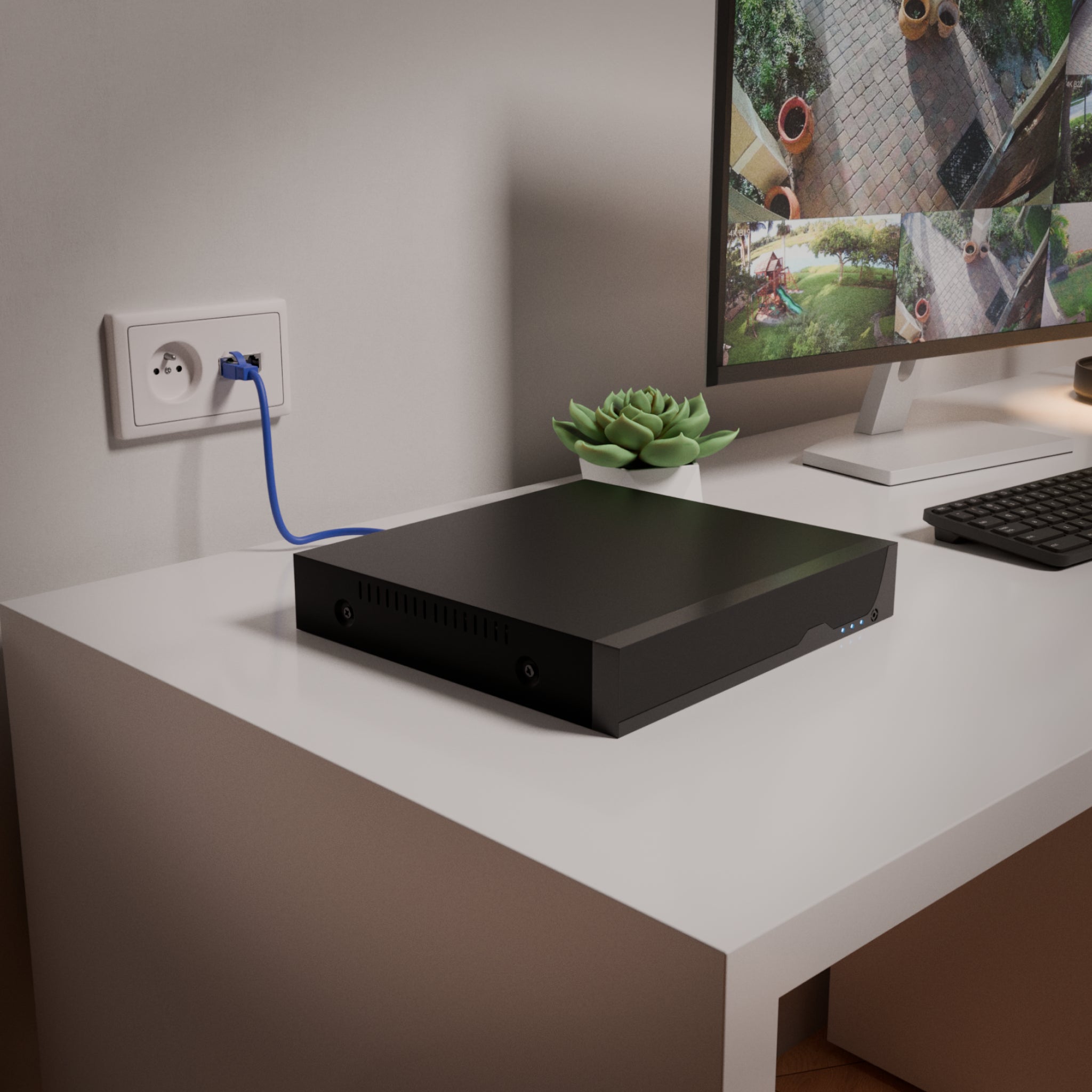
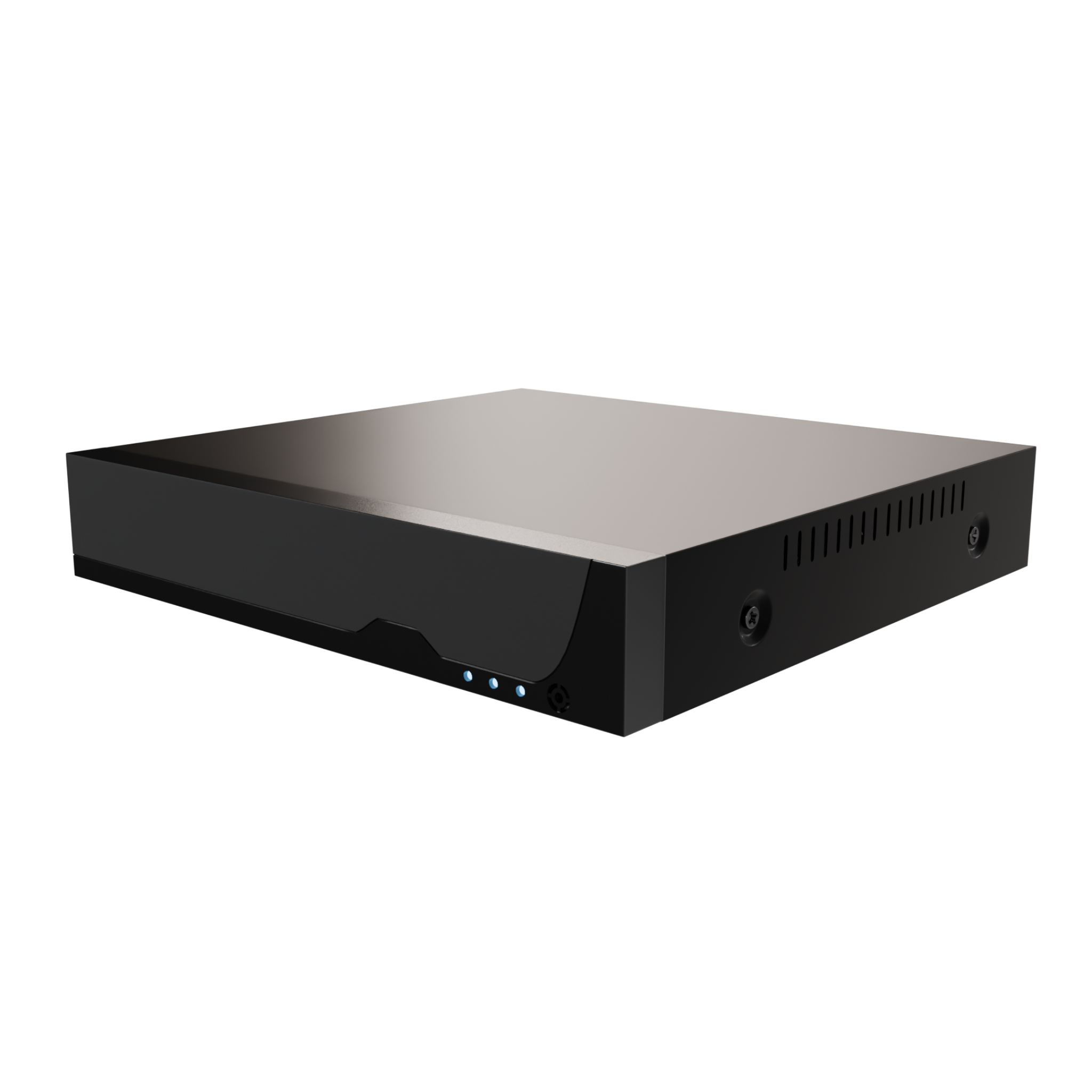
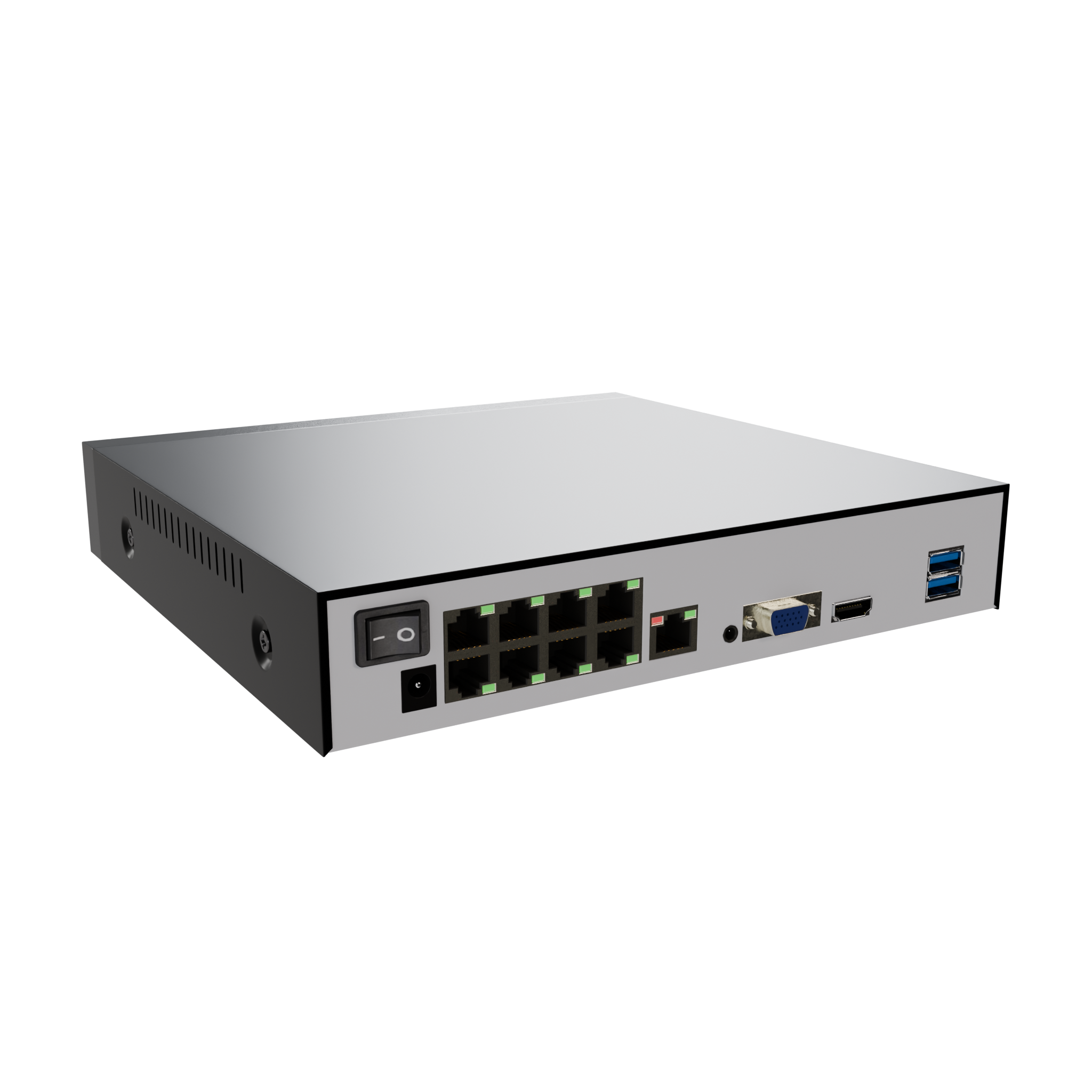
Machen Sie Ihr Grundstück zur Festung. Mit unseren Weber Protect NVR-Sets bündeln Sie Ihre Kabelgebundenen Kameras (Oculus Pro & Iris) zu einem zentralen, professionellen Sicherheitssystem. Die Installation passt sich Ihrem Haus an, nicht umgekehrt.
Die Hybrid-Installation: Sie haben die Wahl. Verbinden Sie die Kameras bequem über WLAN (lokaler Stromanschluss) oder nutzen Sie für maximale Stabilität PoE (Strom & Daten in einem).
Wochenlange Daueraufzeichnung: Speichern Sie Ihr Videomaterial lokal und zu 100 % sicher bei sich zu Hause. Keine versteckten Kosten, keine Cloud-Gebühren.
Clevere Komplett-Sets: Sparen Sie Zeit und Geld mit unseren vorkonfigurierten 4er-Paketen oder stellen Sie Ihr System individuell zusammen.
Ihr persönlicher Sicherheits-Assistent
In wenigen Klicks zur passenden Sicherheitslösung.
Welche Immobilie möchten Sie sichern?
Welche Bereiche möchten Sie sichern?
Mehrfachauswahl möglich.
Haben Sie eine Steckdose oder einen Stromanschluss am Montageort?
Möchten Sie vorhandene Klingeldrähte am Eingangsbereich verwenden?
Wie groß ist der Bereich, den Sie überwachen möchten?
Möchten Sie Ihre Aufzeichnungen speichern?
Wie möchten Sie Ihre Daten speichern?
Unsere Empfehlung für Sie
Basierend auf Ihren Angaben empfehlen wir folgende Produkte:
Laden…
Möchten Sie die Produkte von einem Profi einbauen lassen?


Wo genau sollen die Kameras außen montiert werden?
Pro Standort kalkulieren wir eine Kamera. Mehrfachauswahl möglich.
Wo genau sollen die Kameras innen montiert werden?
Pro Standort kalkulieren wir eine Kamera. Mehrfachauswahl möglich.
Ist WLAN oder ein LAN-Kabel am Montageort verfügbar?
Was ist Ihre Postleitzahl?
Für die Anfahrtsplanung des Montage-Teams.
Für die Anfahrtsplanung des Montage-Teams.
Ihr Schätzangebot
Wir haben auf Basis Ihrer Angaben einen unverbindlichen Richtpreis berechnet.
Alle Preise sind unverbindliche Schätzpreise inkl. MwSt. und können im Einzelfall abweichen.
Danke für Ihre Anfrage!
Wir melden uns innerhalb von 1–2 Werktagen bei Ihnen.
Sehen Sie unsere Produkte im direkten Vergleich
Überwachungskameras im Vergleich
Die Vergleichstabelle zeigt Ihnen die Features unseres Produktsortiments.
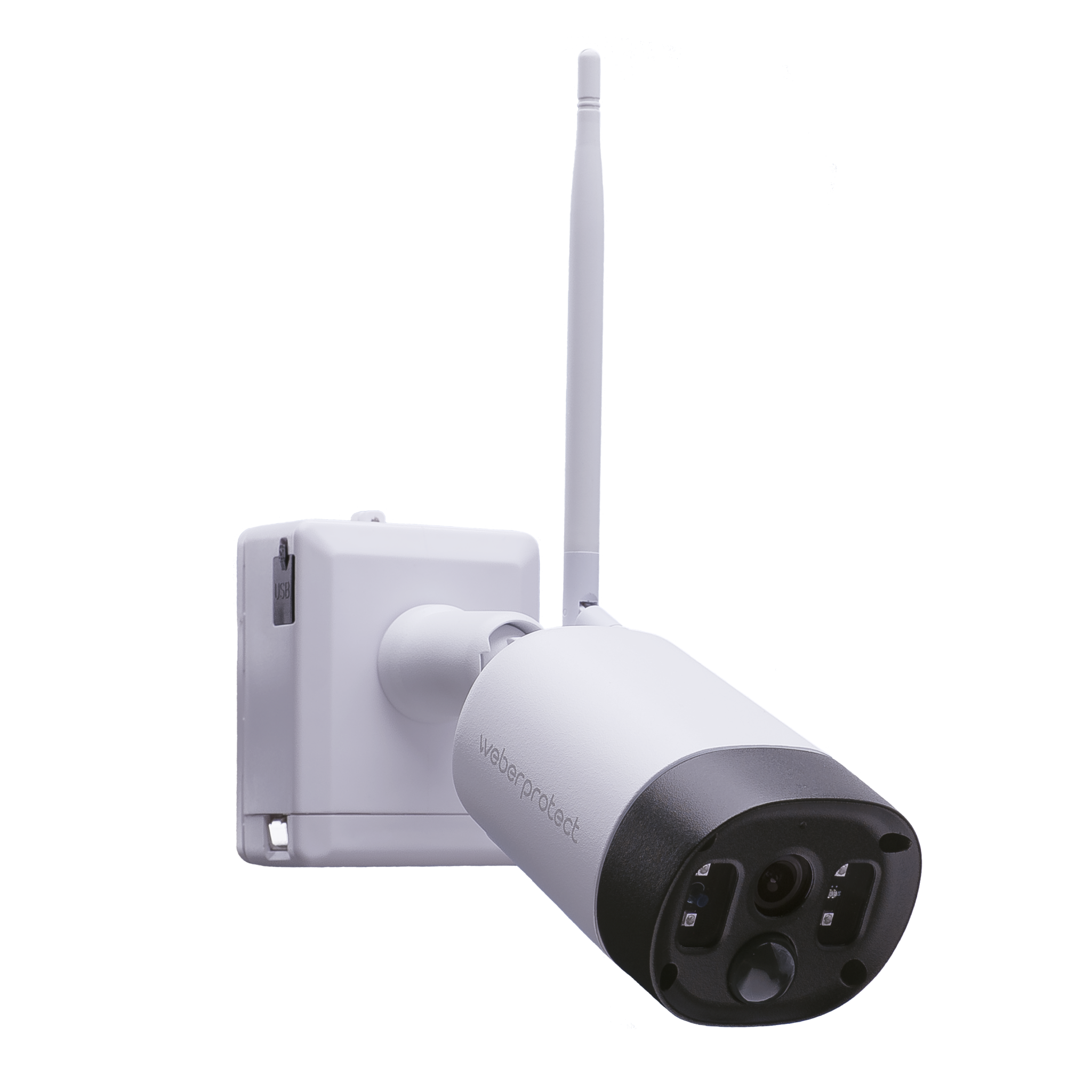
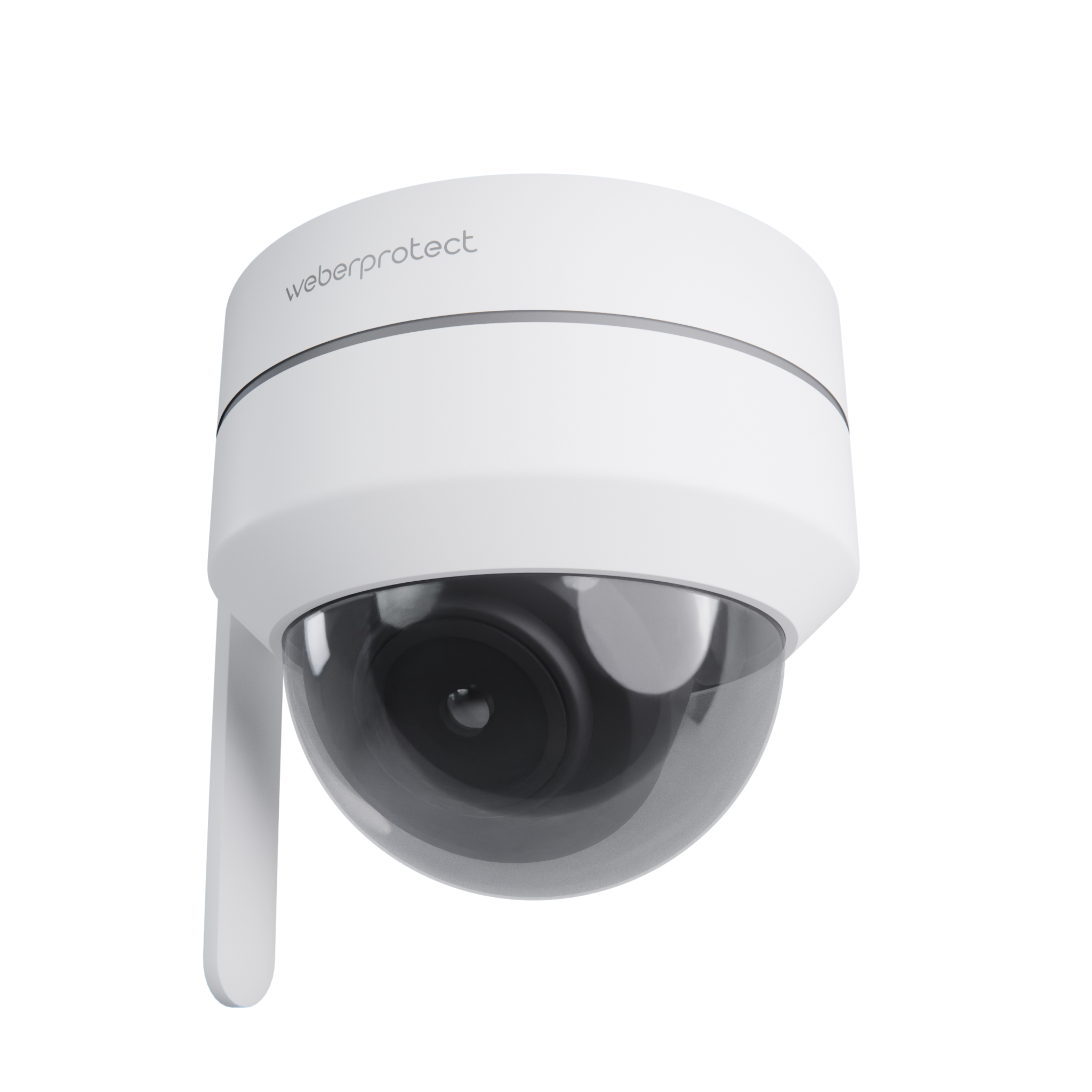
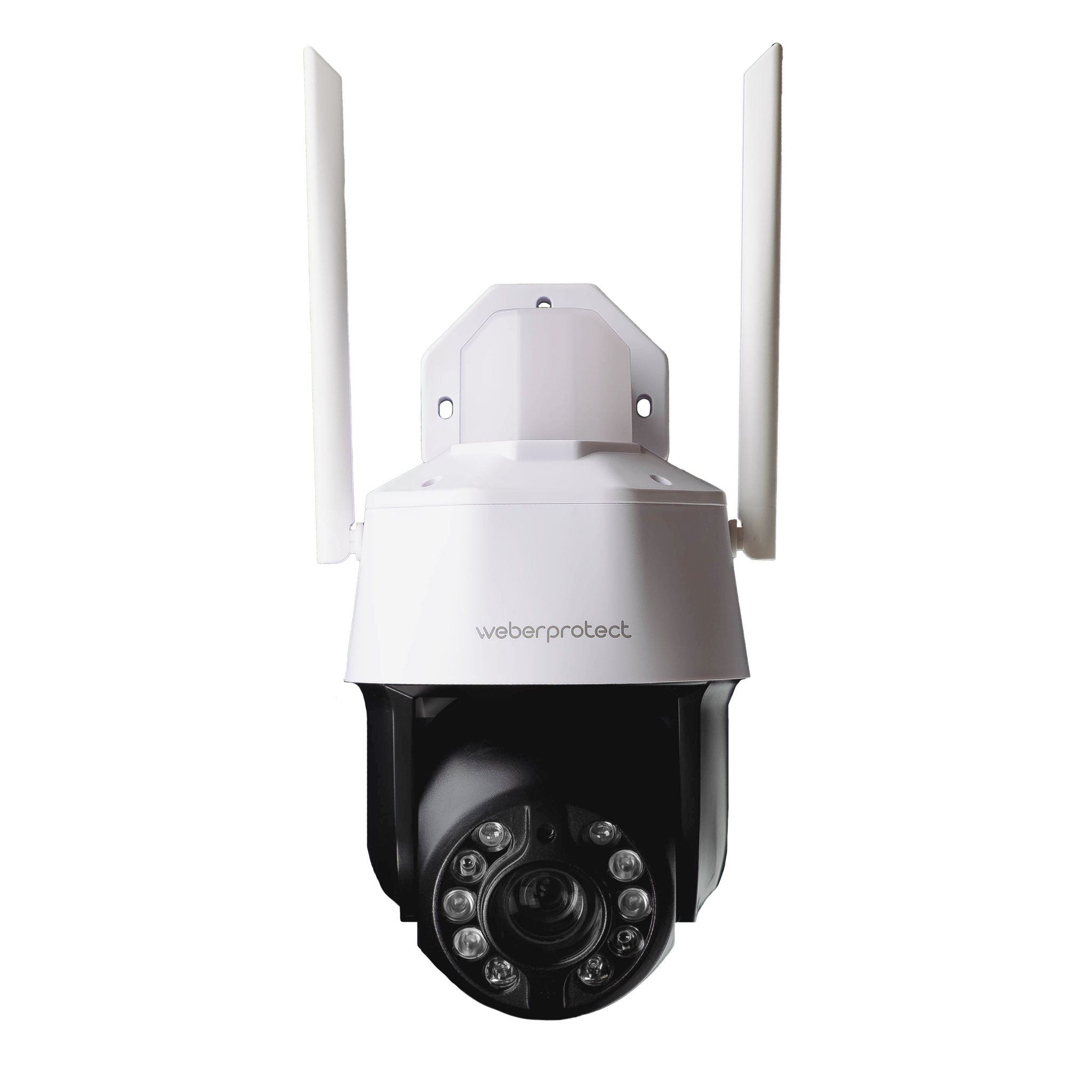
Akku (Bis zu 180 Tage)
Kabel & PoE
Kabel & PoE
120°
120°
90°
Nein
355° horizontal, 90° vertikal
355° horizontal, 90° vertikal
Bis 20 Meter
Bis 30 Meter
Bis 300 Meter
Ja
Ja
Ja
Nein
Ja
Ja
IP66
IP66
IP66
Weber Protect App
Weber Protect App
Weber Protect App
Ja
Ja
Ja
Infrarot
Infrarot
Farbig, Infrarot
Nein
Nein
Ja
Max. 128 GB Micro SD-Karte
Micro SD-Karte bis zu 128 GB, NVR bis zu 10 TB
Micro SD-Karte bis zu 128 GB, NVR bis zu 10 TB
Nein
Ja, ONVIF
Ja, ONVIF
WLAN
WLAN und LAN
WLAN und LAN
H: 9,6cm B: 7,5cm T: 21,3cm
H: 11,2 cm B: 11,2 cm T: 11 cm
H: 32,5 cm B: 17 cm T: 18 cm
Nein
Ja
Nein
Sie brauchen Unterstützung?
Service & Hilfe
Wir bieten Ihnen persönliche Beratung und Hilfsmittel für Ihr persönliches Sicherheitskonzept.

Persönliche Beratung am Telefon
Rufen Sie uns direkt an und besprechen Sie mit unseren Sicherheitsexperten Ihre perfekte Überwachungslösung für Ihr Grundstück

Einbauservice
Sie wollen sich Ihre Ausstattung komplett einbauen lassen? Über unseren Konfigurator werden Sie direkt mit einem Einbaupartner in unserem Netzwerk verbunden.

FAQ
Häufige Fragen zum Thema Überwachungskameras
Akku vs Kabelgebundene Überwachungskamera – Welche passt zu mir?
Die Wahl hängt von Ihrem Einsatzort ab:
- Akku-Kameras (wie die Apollo 2): Ideal für Standorte ohne Steckdose (z. B. Gartenzaun). In Minuten flexibel und zu 100 % kabellos montiert. (Tipp: Mit unserem Solarpanel verlängert sich die Lebenszeit noch mehr).
- Kabelgebundene Kameras (wie die Oculus Pro): Perfekt für Hauswände mit Stromanschluss. Sie bieten erweiterte Funktionen wie Daueraufzeichnung, 20-fachen optischen Zoom und aktives Flutlicht.
Welche Überwachungskamera eignet sich für ein großes Grundstück?
Für große Grundstücke empfehlen wir die Oculus Pro. Mit 20-fachem optischen Zoom erkennt sie Personen auf bis zu 150 Meter und verfolgt sie automatisch per Tracking. Für mehrere Gebäude oder Dauerstrom-Installationen bietet unser Chronos NVR-Set die ideale zentrale Lösung mit wochenlanger Aufzeichnung ohne Cloud.
Ist die Installation einer Überwachungskamera kompliziert?
Nein. Für unsere Kameras benötigen Sie keine Handwerker.
Die kabellose Apollo 2 befestigen Sie einfach mit der mitgelieferten Halterung und verbinden sie per App. Bei unseren kabelgebundenen Modellen (Oculus Pro / Iris) stellen Sie lediglich eine Verbindung zur Stromquelle her – die WLAN- und App-Einrichtung erfolgt in wenigen, geführten Schritten auf Ihrem Handy.
Kann ich mehrere Überwachungskameras gleichzeitig nutzen?
Ja, problemlos! Unsere Kameras und Video-Türklingeln sind als modulares Sicherheitssystem konzipiert. Sie können in der kostenlosen Weber Protect App beliebig viele Kameras (z. B. Haustür, Garten und Garage) bündeln und steuern. So haben Sie Ihr gesamtes Grundstück zentral auf dem Handy im Blick.
Sind die Kameras für den Innen- und Außenbereich geeignet?
Ja. Alle unsere Modelle verfügen über wetterfeste Gehäuse und können sowohl im Haus als auch ungeschützt im Freien montiert werden. Die kompakte Iris eignet sich durch ihr unauffälliges Design auch hervorragend für Innenräume, während die akkubetriebene Apollo 2 oder die Oculus Pro ihre Stärken im Außenbereich ausspielen.
Wie funktioniert die Steuerung über die Handy-App?
Die gesamte Bedienung erfolgt bequem über unsere kostenlose Weber Protect App (iOS & Android). Von dort aus haben Sie weltweiten Zugriff auf das Live-Video, können Aufnahmen abspielen, Bewegungsmelder einstellen oder die Linse der Oculus Pro per Wischgeste drehen und neigen (355°). Sie können den Zugriff zudem einfach mit weiteren Familienmitgliedern teilen.
Apollo 2, Oculus Pro oder Iris – Welches Modell ist das richtige für mich?
Jede Kamera hat ihren speziellen Fokus für Ihr Sicherheitskonzept:
- Die Apollo 2 (100 % Flexibilität): Unser kabelloses Akku-Modell. Perfekt für die schnelle, unkomplizierte Montage überall auf dem Grundstück, ohne dass Sie Kabel verlegen müssen.
- Die Oculus Pro (Maximale Überwachung): Unser Profi-Modell (Kabel/PoE). Entwickelt für große Distanzen mit 20-fachem optischen Zoom, farbiger Flutlicht-Nachtsicht und intelligenter, automatischer Personenverfolgung (Tracking).
- Die Iris (Vandalismusschutz): Die robuste Dome-Kamera (Kabel/PoE). Durch ihr spezielles Kuppelgehäuse extrem widerstandsfähig gegen physische Angriffe und Sabotage. Sie lässt sich per App um 355° schwenken und ist ideal für exponierte, leicht zugängliche Außenbereiche.
Entstehen für die Aufzeichnung monatliche Kosten (Abo)?
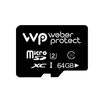
Nein. Bei Weber Protect gibt es keine Abo-Fallen oder Cloud-Zwang. Alle Kameras unterstützen die lokale und sichere Speicherung direkt auf einer Micro-SD-Karte im Gerät. Optional können Sie unser Kamera-Set (NVR) für eine zentrale und wochenlange Aufzeichnung im Haus nutzen – ebenfalls komplett gebührenfrei.
Ist Weber Protect ein deutscher Hersteller?
Ja. Weber Protect ist ein in Berlin ansässiges Unternehmen das seine Überwachungskameras und Video-Türklingeln vollständig in Deutschland entwickelt und designed. Als deutscher Hersteller bieten wir DSGVO-konformes Design, lokale Datenspeicherung ohne Cloud-Pflicht und direkten deutschsprachigen Support aus Berlin.